The simple difference
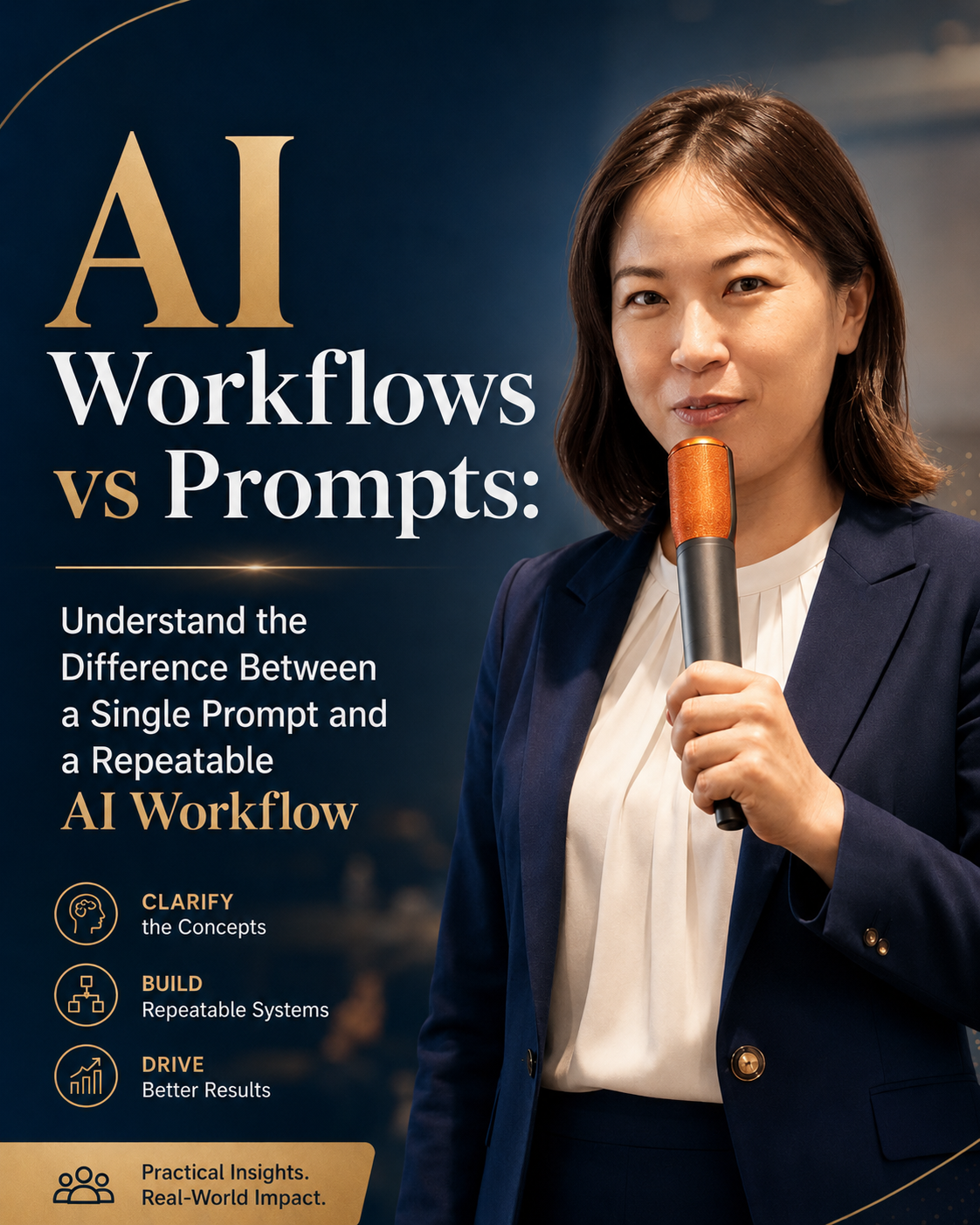
The difference between AI workflows and prompts is simple, but it changes how you use AI at work. A prompt is a single instruction you give an AI tool. An AI workflow is a repeatable process that uses one or more prompts, clear inputs, rules, review steps, and a final output. A prompt helps you get one response. A workflow helps you get reliable results again and again.
Most people begin with prompts. They ask AI to write an email, summarize a document, brainstorm ideas, or explain something. This is a useful starting point. It helps you understand what the tool can do. But after a while, many professionals notice the same problem: the quality changes from one attempt to the next. The answer may be too generic, too long, too confident, or not quite suited to the audience. That is when prompts alone stop being enough.
AI workflows are useful because they bring structure to the work. Instead of asking AI to produce a finished answer in one move, you guide the task through stages. You decide what information the AI receives, what it should produce first, where you review it, and what the final output should look like. This makes AI more useful for professional work where context, tone, accuracy, and consistency matter.
What is a prompt?
A prompt is the instruction you type into an AI tool. It can be short, such as "Summarize this article." It can also be detailed, such as "Act as a marketing strategist and create three LinkedIn post ideas for a leadership audience." A prompt can include context, constraints, examples, tone, format, and a role for the AI to play.
Prompts are best for quick tasks. They help when you need a draft, a list of ideas, a rewrite, a translation, a summary, or a quick explanation. They are also useful when you are exploring a new problem and do not yet know what the final process should be. In that early stage, prompts let you test possibilities without building a system.
The limitation is that a prompt is usually a one-time request. If you do not save the prompt, document the input, or define the review process, the result is hard to repeat. Even if you save the prompt, you may still get inconsistent results if the inputs change or if the task has too many hidden assumptions. That is why a great prompt can still fall short when the work needs to be repeated by you, your team, or your business.
What is an AI workflow?
An AI workflow is a structured process for completing a task with AI support. It may include several prompts, but it is not defined by prompts alone. It also includes the sequence of steps, the materials you provide, the decisions you keep for yourself, and the final format you want. A workflow turns AI from a chat tool into part of your operating rhythm.
For example, imagine you need to create a client briefing note. A prompt might say, "Create a client briefing note from these notes." A workflow would be more careful. Step one: collect the client background, meeting goal, recent interactions, and open questions. Step two: ask AI to summarize the key context. Step three: ask AI to identify risks and opportunities. Step four: ask AI to draft a briefing note in your format. Step five: review, correct, and add relationship context. Step six: save the final note and improve the workflow for next time.
This kind of workflow is more useful because it makes quality visible. You can see where the AI helps, where it struggles, and where human review matters. You can also teach the workflow to someone else. That is difficult with a single prompt because the prompt rarely contains the full reality of the work.
AI workflows vs prompts
Here is the easiest way to compare the two:
| Aspect | Prompt | AI Workflow |
|---|---|---|
| Purpose | Solves one task | Improves a repeatable process |
| Structure | Single instruction | Multi-step system |
| Inputs | Often informal | Prepared and consistent |
| Output | One response | Reusable result or format |
| Best for | Quick drafts and ideas | Recurring professional work |
| Human role | Mostly editing after the answer | Reviewing and guiding at key stages |
| Scalability | Limited | Much higher |
Prompts are not bad. In fact, every AI workflow usually contains prompts. The point is that prompts are only one part of the system. A workflow gives those prompts a place to live, a reason to exist, and a standard to meet. That is what makes the difference between occasional AI use and reliable AI-supported work.
When to use a prompt
Use a prompt when the task is simple, low-risk, or exploratory. If you need a first draft, a quick summary, a list of ideas, or a different way to phrase something, a prompt is usually enough. Prompts are also useful when you are trying to understand a topic or test how AI might approach a problem.
A prompt works well when the cost of being wrong is low and the output is easy to check. For example, asking AI for ten event title ideas is a good prompt task. Asking AI to rephrase a paragraph in a warmer tone is another good prompt task. You can quickly judge whether the result helps.
Prompts are less suitable when the task involves many inputs, repeated quality standards, sensitive context, or a final output that other people depend on. In those cases, it is better to build a workflow so the work is not left to one large instruction.
When to use an AI workflow
Use an AI workflow when the task happens repeatedly and the result needs to be consistent. This includes weekly reports, meeting summaries, proposal drafts, client onboarding, research briefs, internal documentation, performance reviews, hiring notes, content calendars, and customer follow-up. These tasks usually have a pattern. Once you identify the pattern, you can design the workflow.
A workflow is also better when you need quality control. Instead of trusting one AI answer, you can build review points into the process. You can ask AI to draft, then critique, then revise. You can ask it to compare the output against a checklist. You can add human approval before anything is sent, published, or used for a decision.
The test is simple: if you find yourself copying, pasting, and rewriting the same kind of prompt more than once, you are probably looking at a workflow. Turning that repeated behavior into a documented process saves time and makes the result easier to improve.
How to turn a prompt into a workflow
Start with a prompt you already use often. Then ask what happens before and after that prompt. What information do you need before AI can help? What should AI produce first? What do you need to review? What should the final output look like? What standard should it meet? These questions turn a single instruction into a process.
Next, write the workflow as steps. Keep it plain. Step one: gather inputs. Step two: ask AI to summarize. Step three: ask AI to draft. Step four: review against a checklist. Step five: finalize. Step six: save what worked. You can make the workflow more sophisticated later, but the first version should be easy to use.
Finally, test it on real work. A workflow that only works on a perfect example is not useful. Try it when the notes are messy, the audience is specific, or the deadline is real. Improve the workflow as you learn. That is how AI becomes a reliable work partner instead of a novelty.
Final takeaway
Prompts are for one-time tasks. AI workflows are for repeatable results. If you want a quick answer, use a prompt. If you want a reliable way to produce useful work again and again, build a workflow. The professionals who get the most value from AI are not the ones who collect the most prompts. They are the ones who learn how to design better ways of working.